
Choose an audio-only baby monitor if reliable sound is all you need. Choose local video if you want to see your baby on a separate screen at home, Wi-Fi video if you need authorized access from elsewhere, or a hybrid if you need both. Where you will use it, which alerts you need and how it connects decide the category. Before you keep any monitor, confirm it can be installed safely and that its sound, range and connection features work in your home.
Which type of baby monitor fits your home?
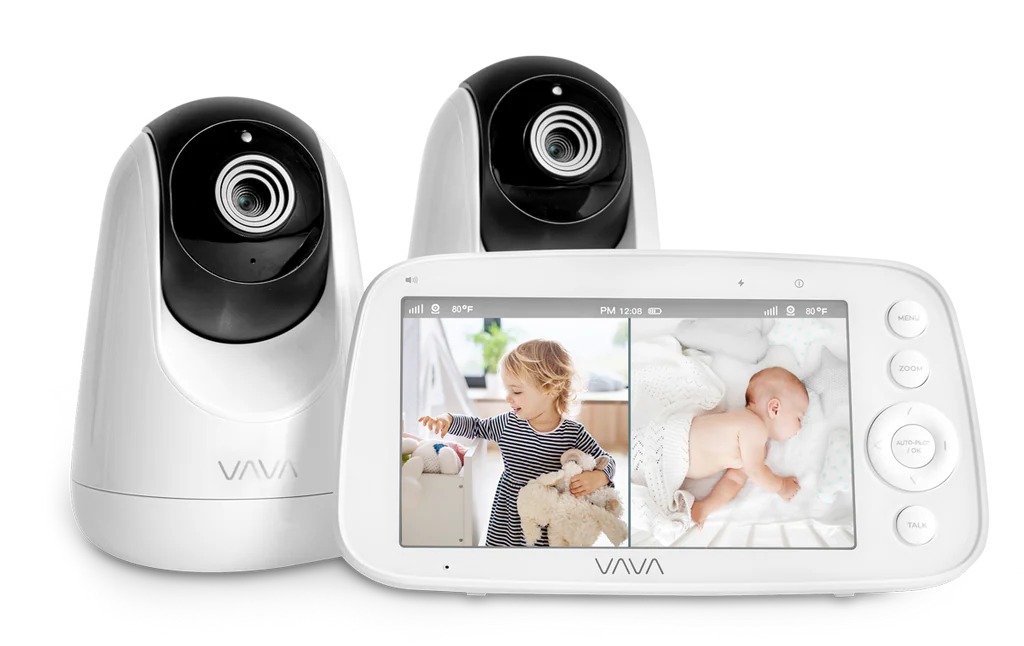
If you already hear your baby clearly from anywhere in a small home, you might not need a monitor at all. Across a floor or behind a closed door, an audio receiver or camera makes checking easier.
Before comparing models, answer three questions: Do you need to hear the baby? Do you need to see the baby? Do you need access while you are outside the home? Treat a feature as essential only if it serves one of those answers.
| Monitor type | Best-fit situation | Usual access and dependency | Privacy consideration | Main inconvenience | What to test |
|---|---|---|---|---|---|
| Audio-only | You need to hear the baby from another room. | A paired local receiver carries sound without home internet. | Basic use needs no cloud account. | No picture. | Sound and reception through your walls and floors. |
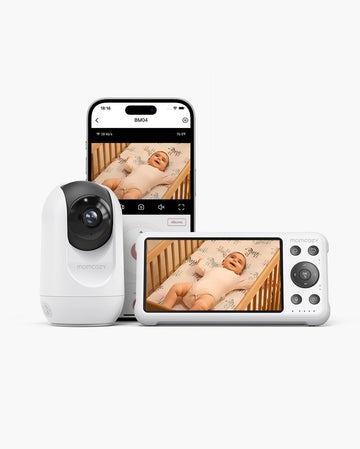
| Local video | You want visual checks on a separate screen at home. | The baby unit talks to a dedicated parent display. | Check pairing and wireless security claims. | Receiver range, charging and screen brightness. | Night image, audio controls and indoor reception. |
| Wi-Fi/app video | You need authorized offsite access. | Runs on your local network; remote features need internet or the manufacturer’s cloud service. | Account security, recordings and access permissions. | App, phone and network dependencies. | Remote access, background alerts and behavior when offline. |
| Hybrid | You want a dedicated display plus optional app access. | Combines a parent receiver with an app. | Check the local access and any app accounts. | More operating modes and possibly more costs. | Which viewing path each adult will use. |
The first question is whether a caregiver needs access outside the home. A local receiver serves adults nearby; remote viewing needs the model’s supported app and network. Once you have a likely category, run the seven-step home acceptance test on the features that matter in your rooms.
A dedicated parent unit is handy at night. You can keep a receiver by the bed without making your phone the only listening device. An app suits a different situation, such as a parent who wants to see whether the baby is awake while another adult is at home.
Set it up safely before comparing camera features
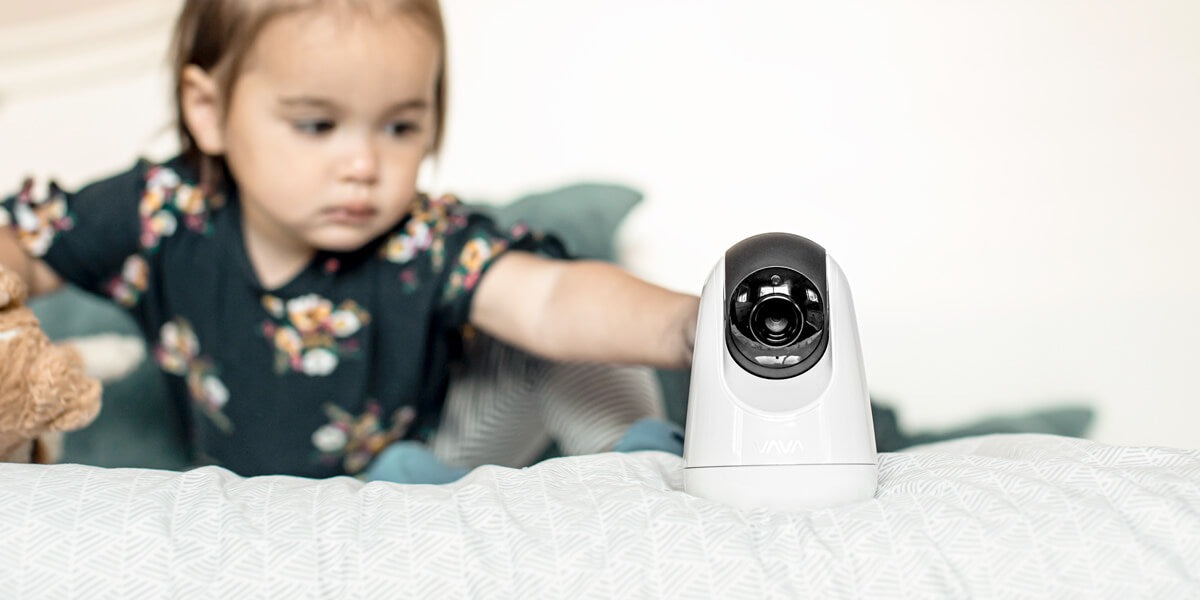
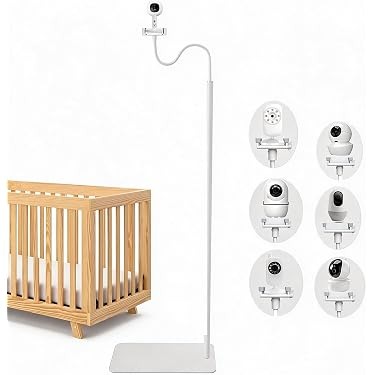
A sharp night picture is worthless if the cable sits within the baby’s reach. The US Consumer Product Safety Commission has documented strangulation hazards involving baby monitor cords. Its guidance requires keeping monitor components and cords beyond a child’s reach, at least three feet from the crib. See the CPSC baby monitor cord guidance.
Never put a monitor inside a crib or on its edge. The same goes for a bassinet or play yard. An overhead angle that needs a reachable charging cord is unsafe, however good the picture. For crib, firm mattress, and fitted sheet basics, read Safe Sleep Checklist for Babies.
Measure from the planned camera spot to the sleep space, following the cord’s whole route. Mount the camera as the manufacturer’s instructions allow, and follow any stricter product rule. Once your child moves around more, check again: a spot that was out of reach may no longer be.
Before using a secondhand or unfamiliar monitor, match its identifying information against product recalls. Include the camera, mount and power supply in that check.
Audio-only vs video: what changes in daily use?
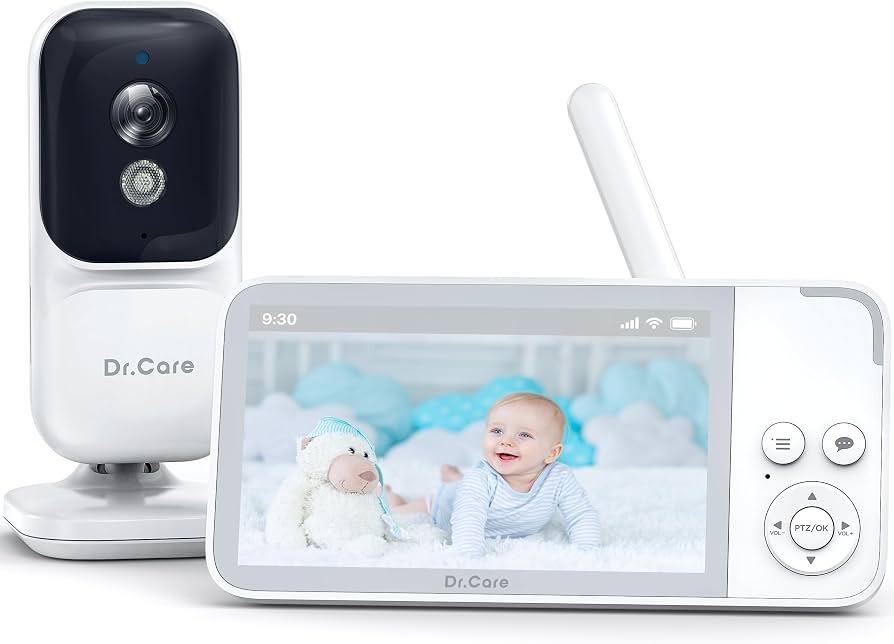
Audio is enough when hearing the baby tells you what you need to know. Video helps when seeing whether a child is awake, settled or moving around changes what you do next, especially when two children share a room and sound alone is hard to read. A separate video display adds small chores: charging, viewing angle and screen brightness at night. Decide which visual check you would actually use before you pay for a picture.
Wi-Fi, non-Wi-Fi and hybrid: what happens when service fails?
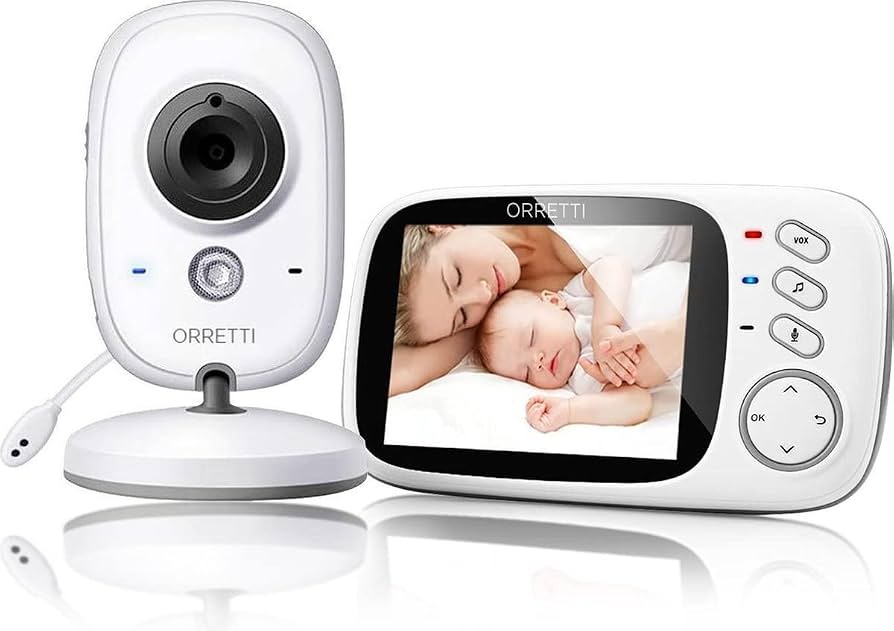
Wi-Fi, your internet connection and the manufacturer’s cloud service are three separate parts of a monitoring system. In a house with unreliable connectivity, it matters which one carries the sound and picture.
A traditional local radio-frequency monitor sends information from the baby unit to a paired parent receiver. Basic operation does not need your home internet subscription, though both units still need power, pairing and good reception.
A Wi-Fi camera connects to your local network. Some functions can work inside that network, while remote viewing, recordings or notifications need internet or a cloud service, depending on the design.
| What stops working | Local dedicated receiver | Wi-Fi/app monitor | Hybrid system |
|---|---|---|---|
| Internet service, with router still running | Basic local link keeps working. | Local functions can continue; remote services stop. | The receiver keeps working if it does not rely on the internet connection. |
| Home router or local Wi-Fi | The dedicated RF link keeps working. | Anything using the local network stops. | A separate receiver keeps working if it is built to. |
| Power to camera or receiver | The affected unit stops unless it has backup power. | The affected equipment stops unless powered independently. | Battery or backup power decides what remains. |
When internet service drops, the router can keep supporting devices on your local network. When the router itself shuts down, that local Wi-Fi disappears too. Check each outage on its own.
Nanit documents that Breathing Motion monitoring status and alerts work when a phone is connected to the same home Wi-Fi network during an internet outage. Remote viewing and recordings have separate connectivity requirements.
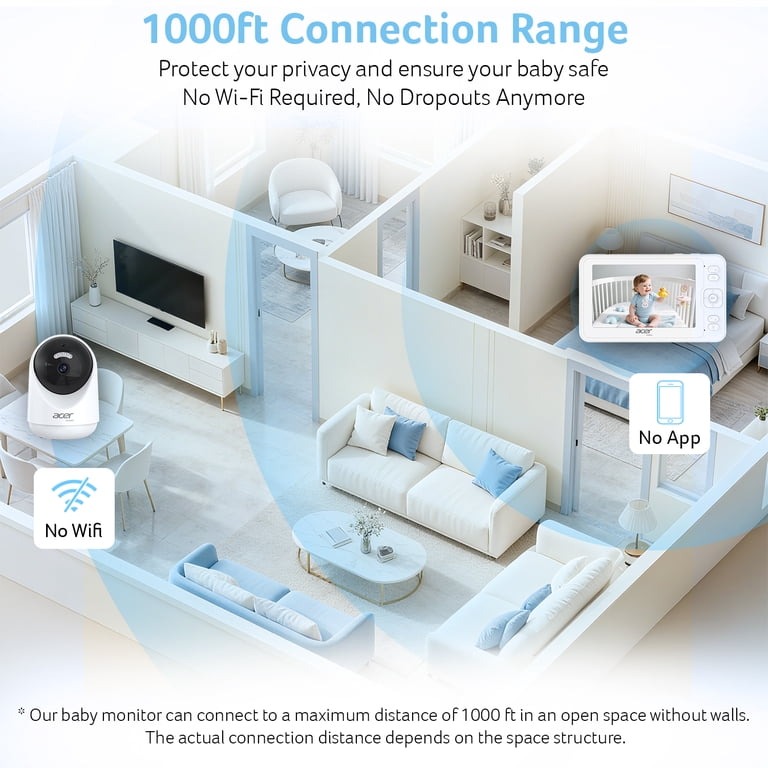
In the manual or the manufacturer’s support pages, trace what each path carries: the local receiver or app, the home router, and any internet or cloud service behind live sound, live video, notifications and recordings. If the manufacturer does not explain a function, count it as unknown.
Remote viewing and caregiver permissions
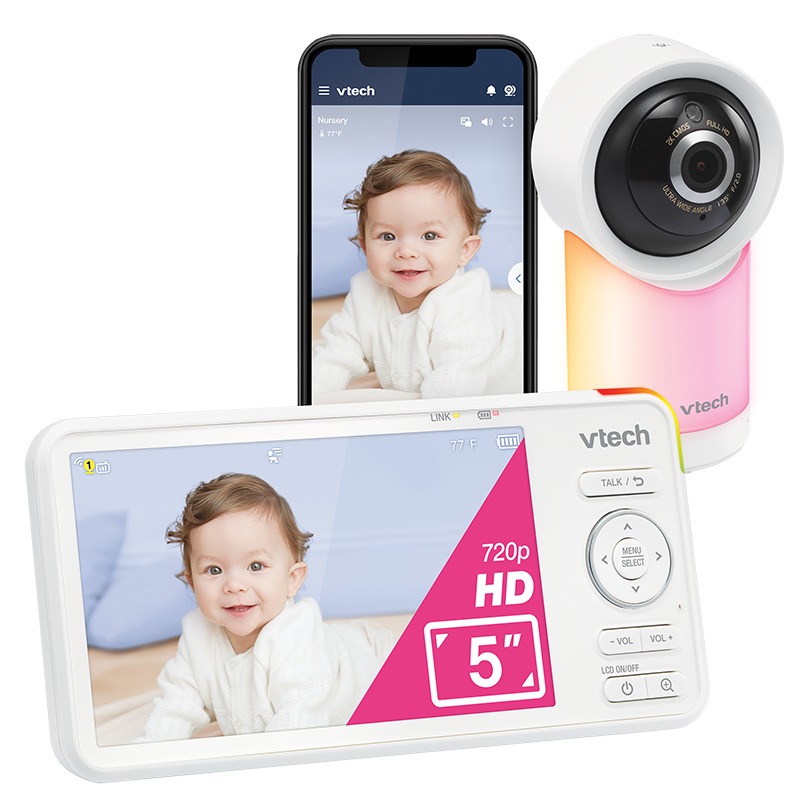
Opening a camera feed from work is a reasonable requirement when another responsible adult is at home with the child. Handing a dedicated receiver to someone in the next room does not give you that.
One parent described needing a view from work during early mornings:
As much as I would love to have a non- wifi monitor, my partner sleeps like a tank and I work early mornings, so I need to be able to see if baby is awake from work just in case my partner doesn’t wake up and I can spam call her. Please help me. I wanna cry! I am also not looking for something that is 2-way talk.
Remote access also means deciding who may see and hear the feed.
A grandparent or babysitter may prefer a separate hardware screen. Someone who needs access on a personal phone may do better with an invited account of their own. Nanit, for example, documents account types and restrictions; exact permissions depend on the product and account setup. Ask these four questions:
- Can another adult get access without the owner’s main password?
- Can a guest get only the viewing or audio access they need?
- Can all the intended adults watch at the same time on their own devices?
- Can you remove temporary access when the caregiving ends?
Whoever watches the feed remotely still needs someone in the house to act on what they see.
How to evaluate baby monitor privacy and security
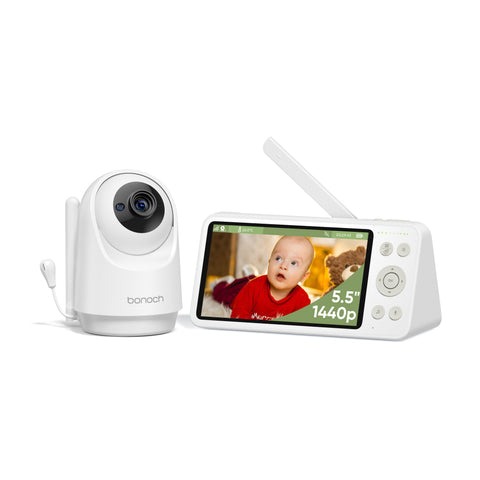
A connected baby monitor can show the nursery and send nighttime sounds through its microphone or speaker. Check its privacy controls as closely as picture and sound quality.
In one Reddit account, a parent reported hearing an unfamiliar voice through a camera:
As soon as I turned on the audio I hear a woman’s voice go “hello?” Weirded out by this I go downstairs and ask my husband if there is possibly anything in our son’s room that talks, or if the camera makes a noise when turning audio on. He says no. So I go back upstairs, and as I’m opening the door to my son’s room I hear the same woman talking to my son through the camera. She said, “Hi baby! It’s ok!” I immediately yanked the camera out of the wall, and haven’t used it since.
Nobody independently confirmed the cause of the voice. If you are choosing an internet-connected camera, ask whether you can understand and manage its account and security protections.
The FTC’s guidance for securing connected cameras gives a practical checklist:
- Use a strong, unique password and turn on multifactor authentication where offered.
- Use Wi-Fi encryption such as WPA2 or WPA3, and secure your router credentials.
- Find out how the manufacturer protects transmitted video and stored recordings.
- Confirm that the camera, app and router receive security updates.
- Read the recording options, retention policies and cloud storage features.
A local-only monitor reduces exposure to internet accounts and cloud services. Its radio connection, pairing and physical access still matter for security.
Nighttime alerts, range and everyday reliability
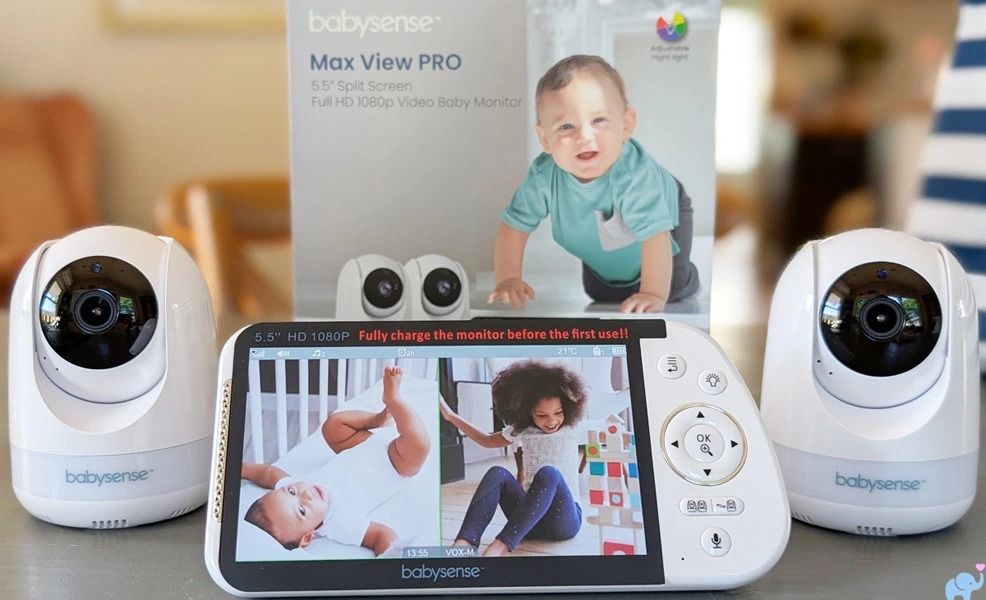
A bright display, an awkward volume control or an unreliable app can make good hardware a poor match for a tired caregiver.
Walls and floors cut reception, so an open-field range figure tells you little about an upstairs bedroom or the yard.
BabyGearLab compares monitors on indoor range, sound, image quality and usability. Use the same four checks at home.
One parent described choosing a different setup after frustrations with an earlier monitor:
For our second child, we prioritized a monitor with a split-screen home base that still offered app access. We ultimately went with the Dr. Care monitor, and it has been excellent. We’ve had zero issues so far. The app does require a paid subscription for recording features, but that wasn’t a must-have for us.
Elsewhere in the same account, the author described a parent-unit battery that drained quickly, noisy night-vision switching and an unreliable app. The later choice gave that family a separate screen and occasional app access.
- Check whether you get continuous sound, sound activation or notifications.
- VOX sensitivity sets when a receiver activates and how much background sound it passes through.
- Screen brightness and sleep settings decide how comfortable the display is at the bedside.
- Physical volume buttons and menu-based adjustment suit different routines.
- Look for battery alerts, and plan where the receiver charges and where its cord runs.
A phone app also depends on notification settings, background behavior and phone battery. A dedicated receiver has its own charging and reception limits.
Multiple cameras and a second caregiver
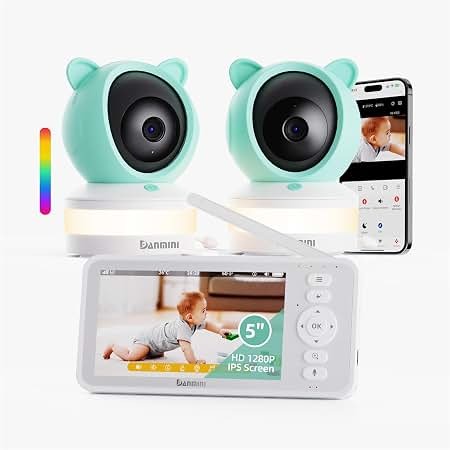
A monitor sold as supporting several cameras may pair with every camera you need yet show, or play sound from, only one at a time. With two children, that difference decides how useful the system is.
Check these on the exact model:
- How many cameras can pair with the parent unit?
- Can two rooms show side by side, or must you switch views?
- Can the display cycle between cameras automatically in scan mode?
- Which camera supplies sound, and what happens when another room needs you?
- Can another adult use a second compatible display?
A physical parent unit makes handoffs easy, especially for a visiting caregiver who would otherwise need an app.
What the monitor costs after purchase
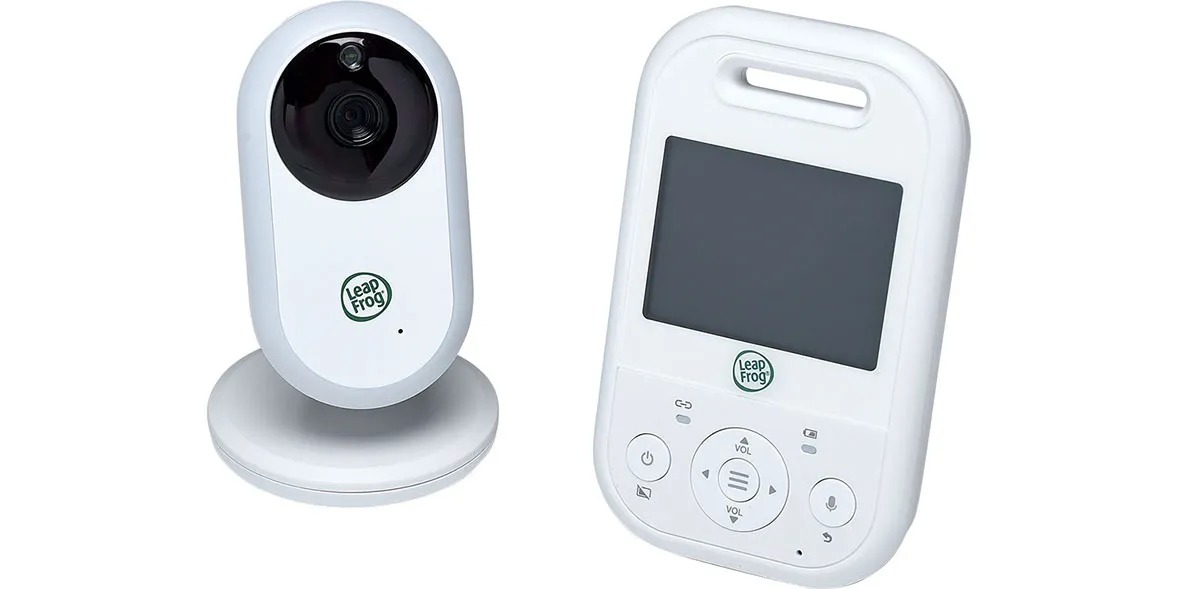
The purchase price is only part of the cost. A second camera, mounting accessories or optional cloud recording can change the total for the setup you need.
Live viewing, saved recordings, event history and analytics are separate features. Whether each comes with the hardware or needs a paid plan varies by model and manufacturer.
To compare models, build a 24-month ownership worksheet:
| Cost component | Enter for each model | What to distinguish |
|---|---|---|
| Initial hardware | Price of camera, receiver or bundled kit | What comes in the box |
| Additional hardware | Second camera, compatible mount or other required accessory | Optional versus necessary |
| Paid services | Monthly price multiplied by months subscribed | Which features require a plan |
| Replacement accessories | Expected additional expense, if any | What you actually expect to need |
Total ownership cost = initial hardware + required accessories + (monthly plan fee × subscribed months) + anticipated replacements.
The 24-month period is only a comparison horizon. A family may use a monitor for a shorter or longer time.
A parent who wants only live sound has no reason to pay for recording history. If you value saved clips, price the plan you would use for the time you expect to use it.
Breathing and vital-sign features are a separate question
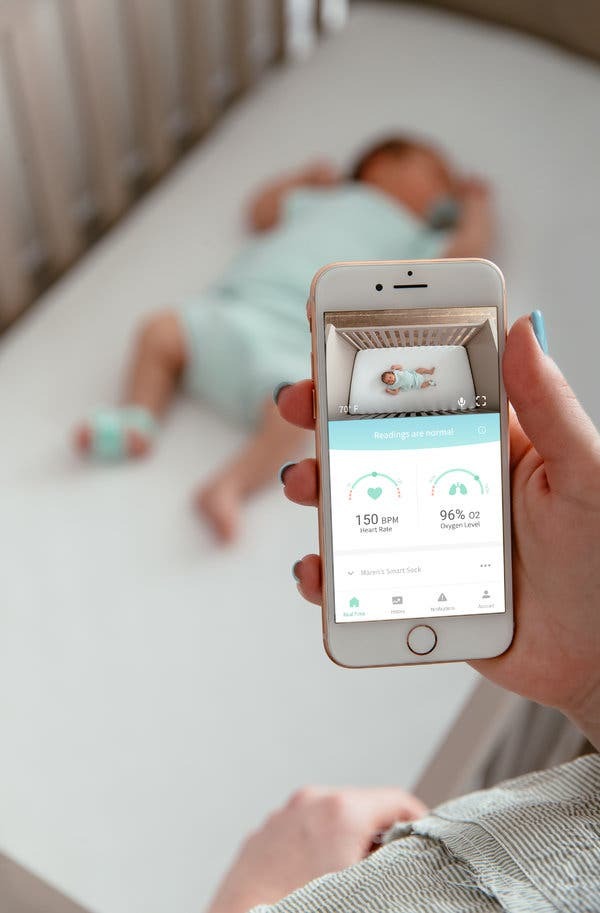
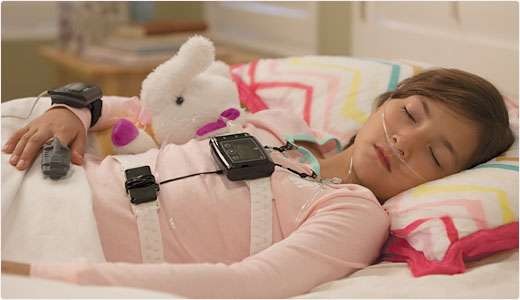
A camera showing your baby and a device marketed to measure breathing, heart rate, oxygen saturation or temperature serve different purposes. According to a September 16, 2025 FDA safety communication, unauthorized infant vital-sign monitors can produce inaccurate readings that lead to unnecessary intervention or a missed medical problem.
The FDA has not authorized an infant monitor to prevent sudden infant death syndrome or sudden unexpected infant death. The American Academy of Pediatrics’ monitoring guidance likewise explains that ordinary monitors have not been shown to reduce SIDS risk and do not replace direct supervision.
For a product that makes medical claims, check its FDA authorization and exact intended use. If a child needs clinical monitoring, the treating clinician decides the equipment and response instructions.
Run the home acceptance test before keeping it
Once a monitor looks right on paper, test it in the situations where you will depend on it, using your own equipment and rooms.
Keep a responsible adult with or directly supervising the child throughout any practice run. Never disable the only working means of monitoring a child who is unattended.
A seven-step household test
- Map where adults will use it. Try the receiver or app from your usual bedroom, kitchen and other occupied rooms. Add the yard or garage only if you will really monitor from there. Note any loss of picture, sound or connection.
- Listen with the display dark. In a controlled practice scenario, check that useful sound stays audible at your normal listening volume. If the unit uses sound activation, watch when it wakes or alerts.
- Put the phone into its normal night state. If monitoring depends on an app, lock the phone, background the app and use your Focus or Do Not Disturb setting. Check that the sounds or notifications you need still reach you, and that the phone has enough power.
- Cut internet service on its own. If you can do it safely, interrupt internet service while the router, camera and receiver stay powered. Test live audio, live video and notifications one by one, and record what continues and what stops.
- Cut local Wi-Fi on its own. Where the manufacturer’s instructions allow a safe simulation, interrupt the router or local Wi-Fi and watch the result. With a hybrid, see whether the dedicated receiver keeps working independently. Restore normal service afterward.
- Watch recovery and routine controls. Note how it reconnects, how volume settings behave, whether the receiver charges or warns of low battery, and how second-camera switching works if you use it. A feature that works only after repeated app restarts won’t suit your routine.
- Make the go or no-go call. Compare the results with your original sound, visual-access and offsite requirements. If a required alert, location or connection mode fails, change the setup or reject the model.
Keep a simple record: location, situation, required sound or image, observed result, and acceptable or unacceptable.
One good night does not guarantee future reliability. Software updates, network changes, battery aging and moved furniture can change the setup later. To compare furniture anchoring, electrical cords, and stair gates, use Babyproofing Your Home by Mobility Stage.